
Tips · Unlock
Unlock one password-protected PDF
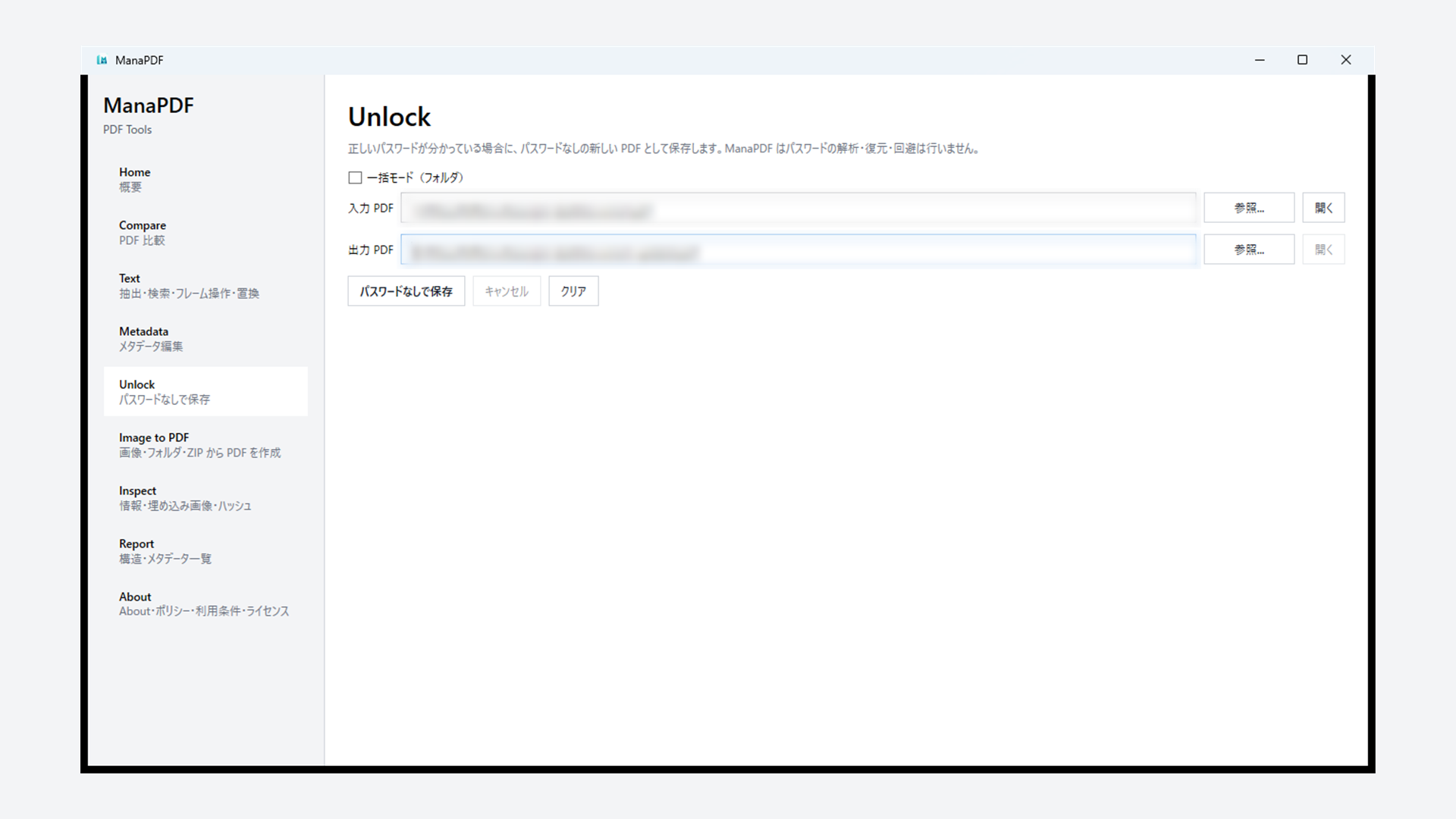
When you already know the correct password, save a new file without password protection. ManaPDF does not crack, brute-force, or recover passwords.
GUI
- Open Unlock from the left navigation.
- Set Input PDF file and Output PDF file.
- Click Save unprotected copy.
- Enter the correct password when prompted.
- Open the output PDF and confirm it no longer asks for a password.
CLI
manapdf unlock protected.pdf -o unprotected.pdf --password "your-password"Avoid leaving passwords in logs or shell history. Use environment variables or secure script storage where appropriate.