
Personal notes — not a product manual.
You know the PDF password — why type it every time?
It opened fine when it arrived. Weeks later — “what was this PDF’s password again?”
A password-protected PDF asks every time you open it. When you already know the current password, ManaPDF can remove protection and save a copy that does not prompt again.
※ Not a tool for guessing or cracking forgotten passwords.
Part1. It opened before — now you cannot remember
A PDF arrived with password protection. You opened it when it landed.
Weeks later you try again,
“…what was this PDF’s password?”
Search mail, find the sender, locate the message with the password.
You only wanted to read the document — but you are stuck at the lock screen.
Fresh in memory right after delivery. Forgotten after time.
“Was it a birthday?”
“I think it was in the email”
“Our usual password?”
You end up digging through old mail and chat. You wanted the content — not a treasure hunt for credentials.

Part2. Teams make it worse
Solo is annoying. Sharing on a team is worse.
The PDF is on a shared drive. Open it — password prompt.
Eventually,
“What’s the password for this PDF?”
You shared it so people could read it — but the password becomes the bottleneck.
Familiar chat (grumbling)
- Team chat
- “Can you open this PDF?”
- Reply
- “What’s the password?”
- Again
- “I’ll search my mail”
- Later
- “OK, waiting…”
Then someone starts naming files
report_password1234.pdf
…and you wonder what the password was protecting in the first place.

Part3. Weekly PDFs and the password spreadsheet
Some jobs send password-protected PDFs on a schedule.
Policy says emailed PDFs must be protected. Passwords follow a pattern but change slightly each time.
So the workflow becomes:
- Save the PDF
- Note the password
- Log it in Excel or similar
- Open the PDF later
- Look up the password in the sheet
- Type it in
Every week or month — same loop.
Needing a password on delivery and needing it again every time you open your saved copy are different things.
Part4. Password on receipt. No password after you save.
When you know the current password, ManaPDF can save an unprotected copy.
Password when it arrives. No password under your own storage.
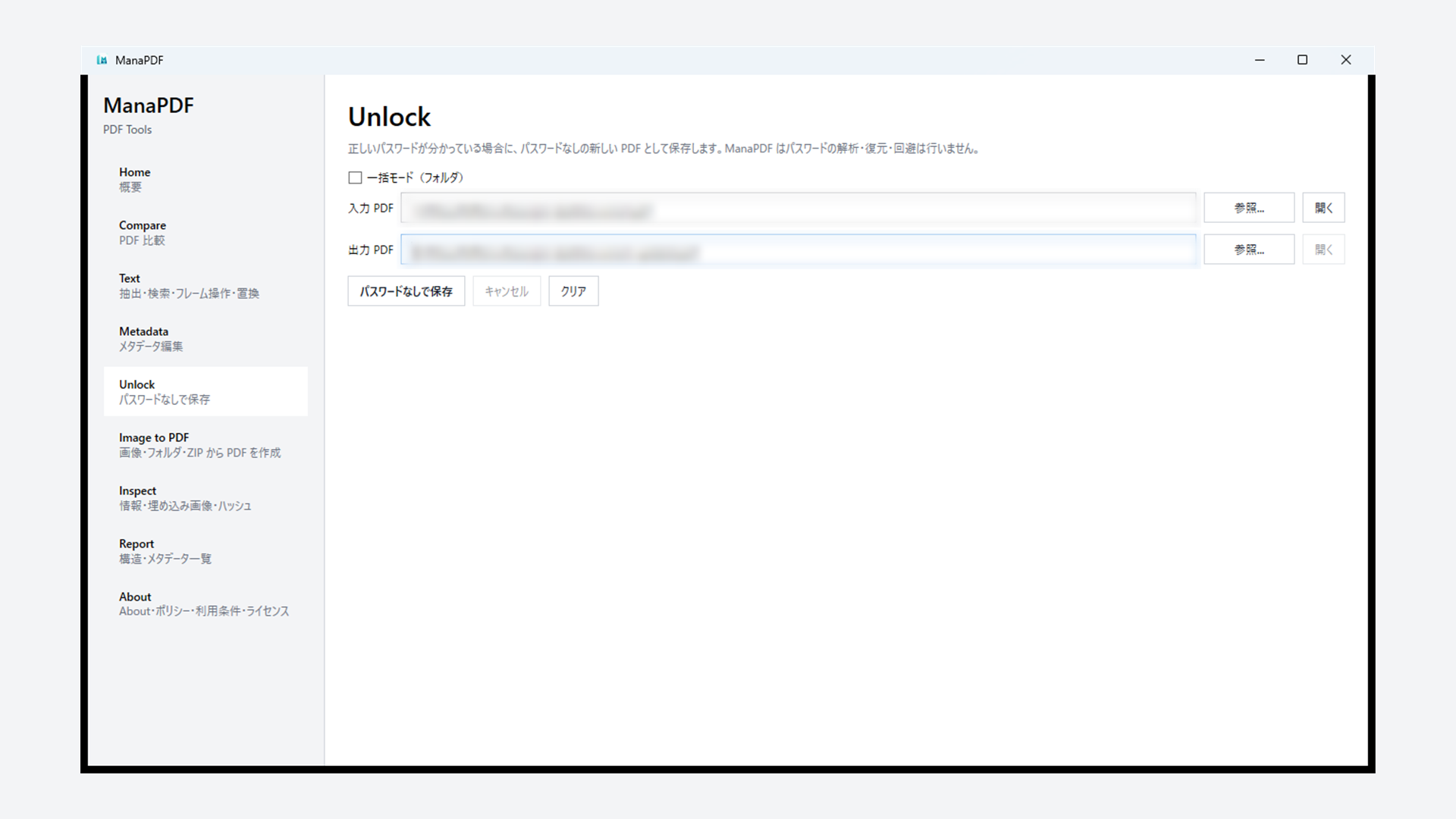
On Unlock: set input and output PDF → enter password → Save unprotected copy. The original is untouched; you get a new file.
For many files: GUI batch mode (folder) or CLI unlock batch.
Processing stays on your PC. No uploading to online services.
※ Whether you may remove protection depends on org rules and file terms. Details: Help (Unlock).
Part5. Not a cracking tool (important)
ManaPDF does not guess, crack, or brute-force forgotten passwords.
It removes protection when you already know the password.
You know it — you just do not want to type it every time. That is what Unlock is for.
Search mail. Scroll chat. Open the password spreadsheet. Ask a colleague. Put the password in the filename.
Before that happens: if you know the password, save a copy that stops asking. ManaPDF can do that.
Extra. FAQ (short)
Forgotten password — can ManaPDF unlock it?
No. Only when you know the correct password. No cracking or recovery.
Is the original PDF changed?
No. A new unprotected file is saved separately. The input stays as-is.
Does it upload PDFs?
Normal processing does not upload documents. OS / Store traffic is separate.
Allowed by company policy?
Follow sender rules, internal policy, and contracts. ManaPDF does not decide for you.
Many PDFs at once?
Yes — Unlock batch mode or unlock batch. See Help; CSV and password-list examples: Tips — batch unlock.
How is this different from Metadata “Save unprotected copy”?
Unlock is dedicated to removing protection. Metadata is mainly for viewing/editing properties; it can also save an unprotected copy on save.