
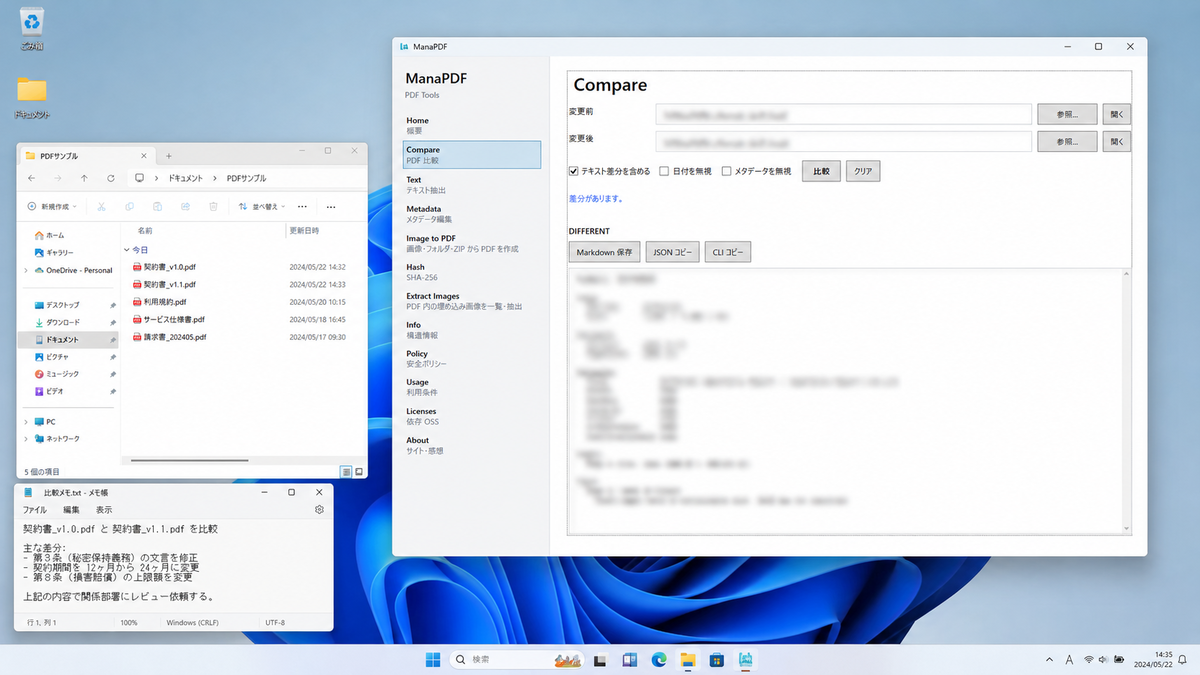
What changed in the revision?
Compare contract or policy v1.0 vs v1.1. Save Markdown diffs or copy CLI commands from results.
Windows · Local-first
ManaPDF is a Windows tool for comparing PDF files, extracting text, editing metadata, creating PDFs from images, and more — all within your local environment.
Step-by-step guides: Tips. Background essays: Stories.
Note: ManaPDF’s PDF processing does not send your documents to external services during normal use. Communications by the OS or Microsoft Store (install, updates, purchase) are outside this scope.
Concrete examples of working with PDFs on your device. Full screen-by-screen help is in Help; short how-tos in Tips; background in security · metadata · images→PDF · Unlock.
Compare contract or policy v1.0 vs v1.1. Save Markdown diffs or copy CLI commands from results.
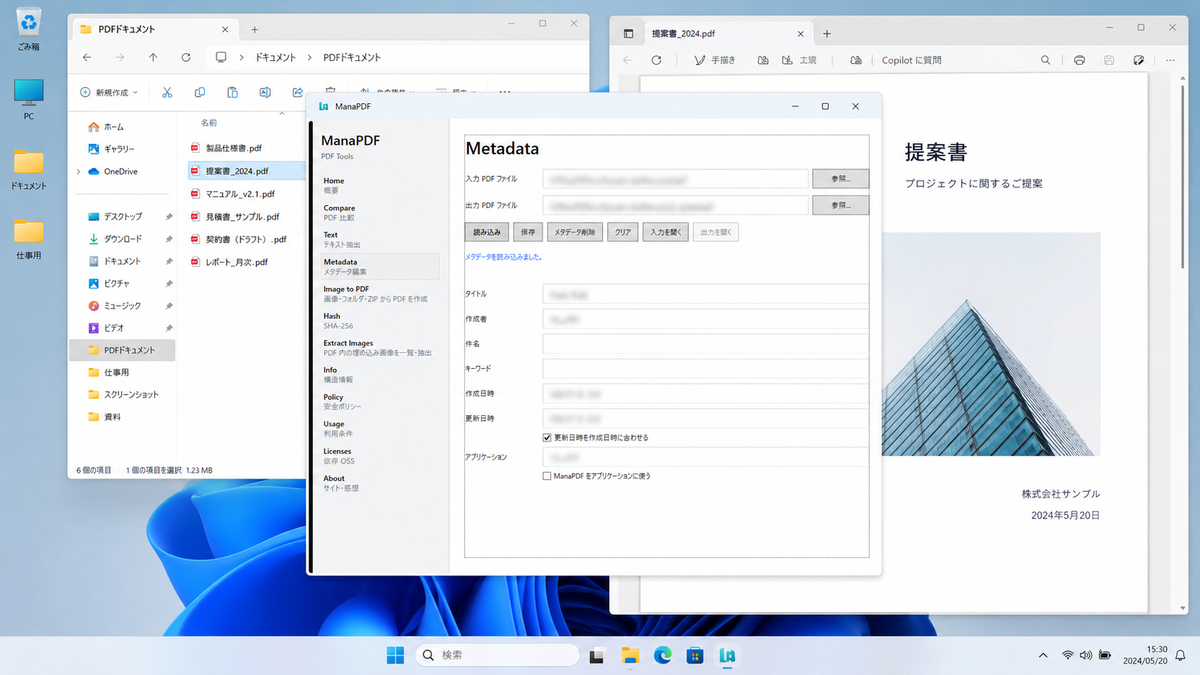
Check author and app names before sharing externally. Related essay. Batch tips.
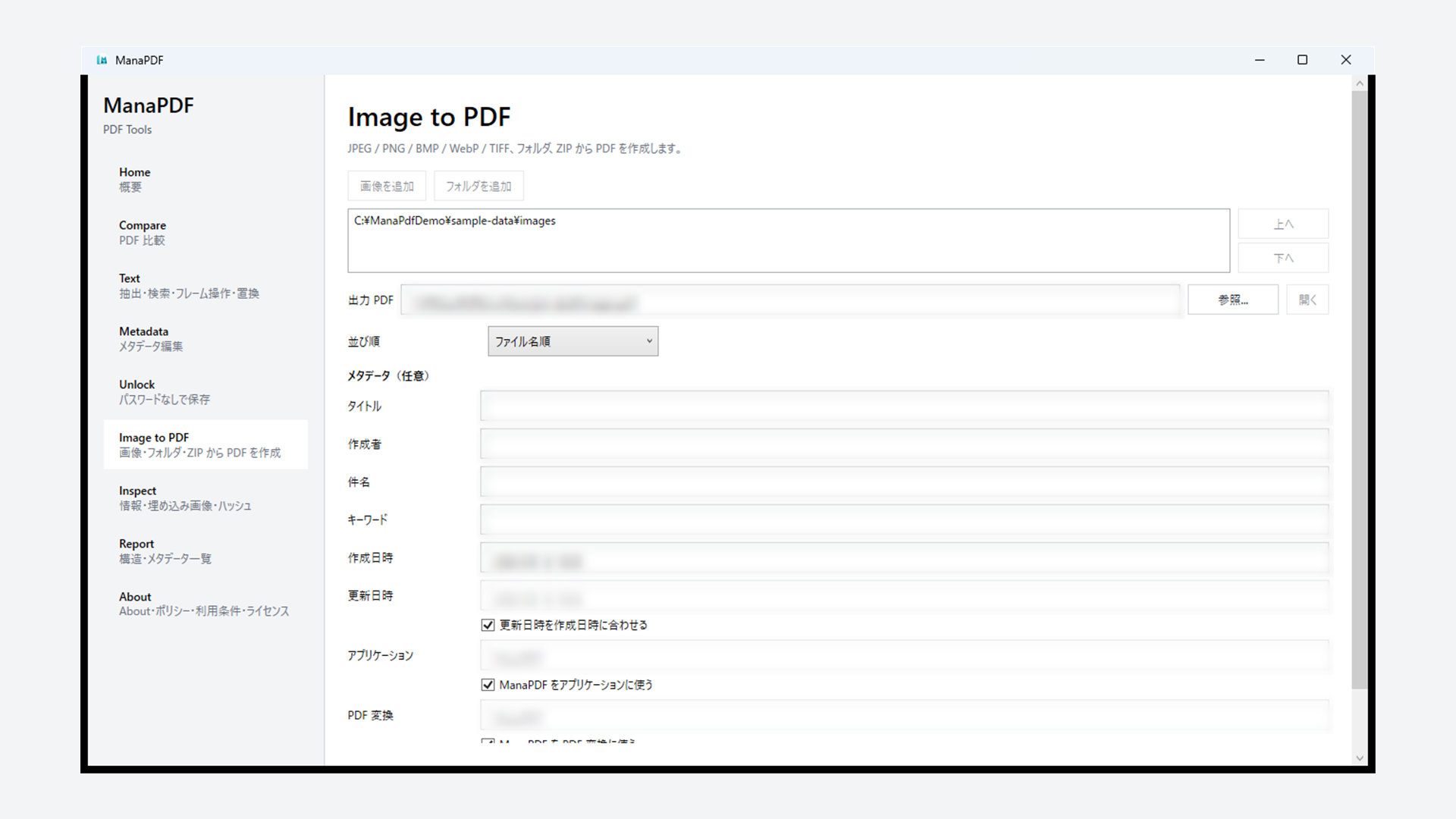
Combine straightened or brightened images into one PDF. No upload. Essay. Sort-order tips.
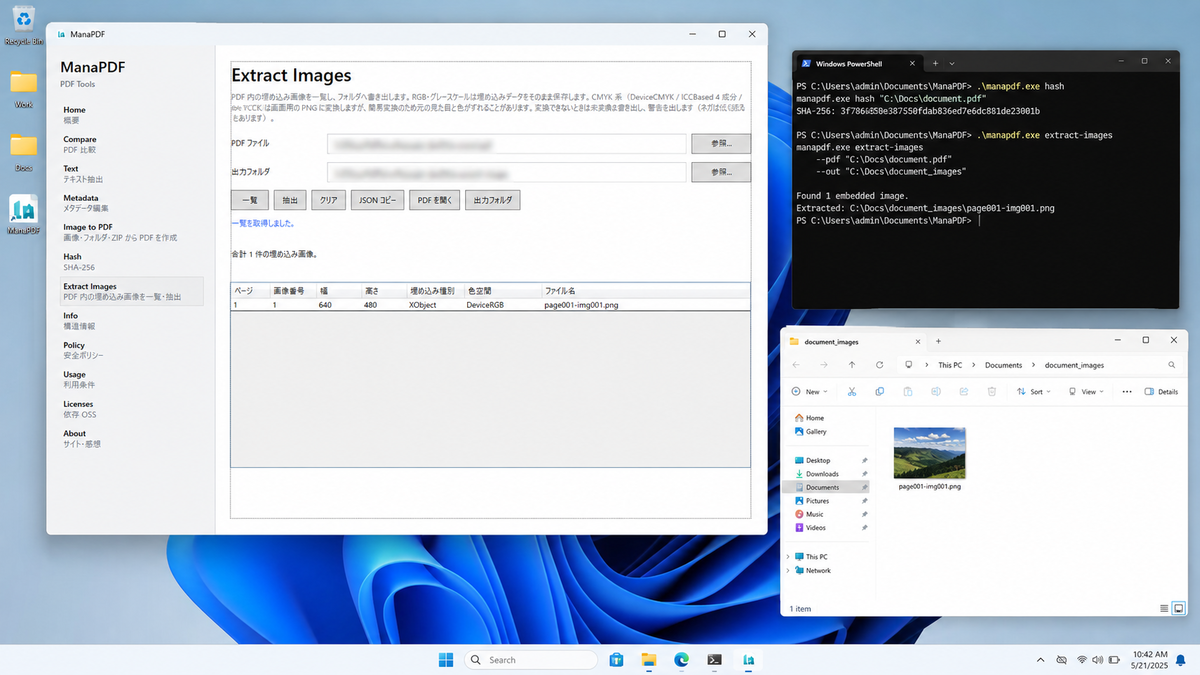
Inspect structure and extract images in the GUI. CLI text find / text replace / inspect share the same Core.
Microsoft Store GUI (ManaPDF.exe). Switch features from the left navigation.
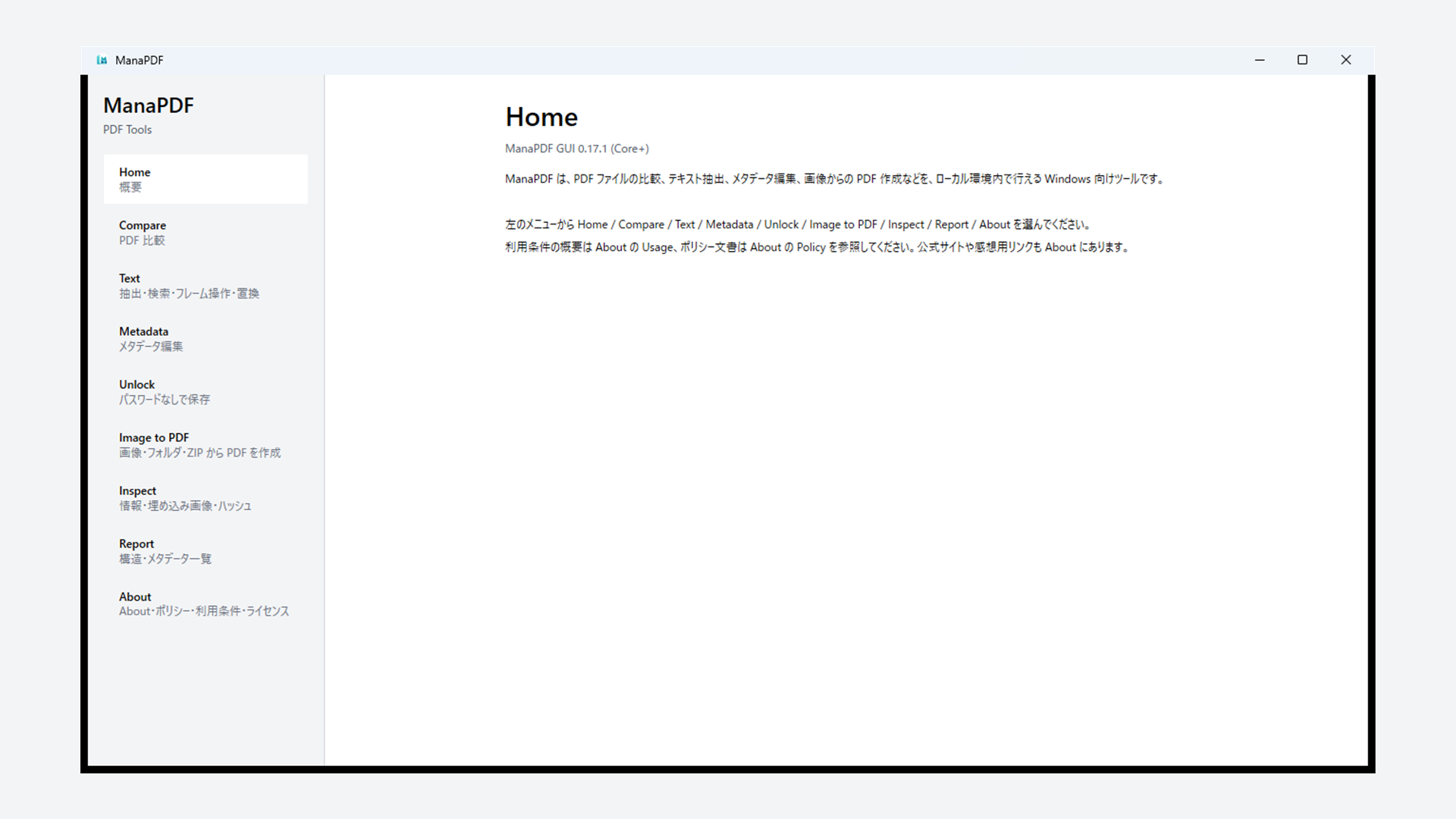
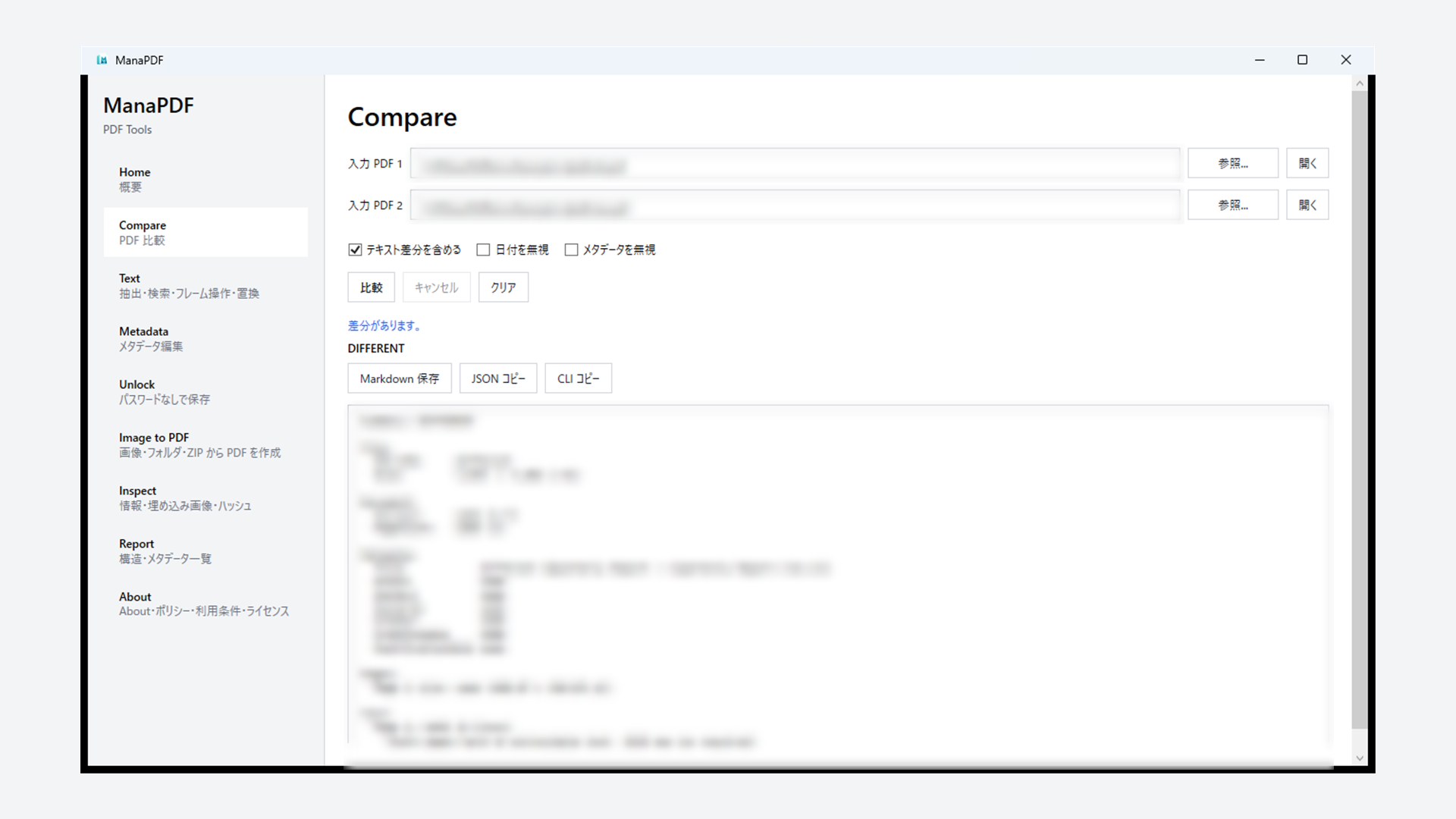
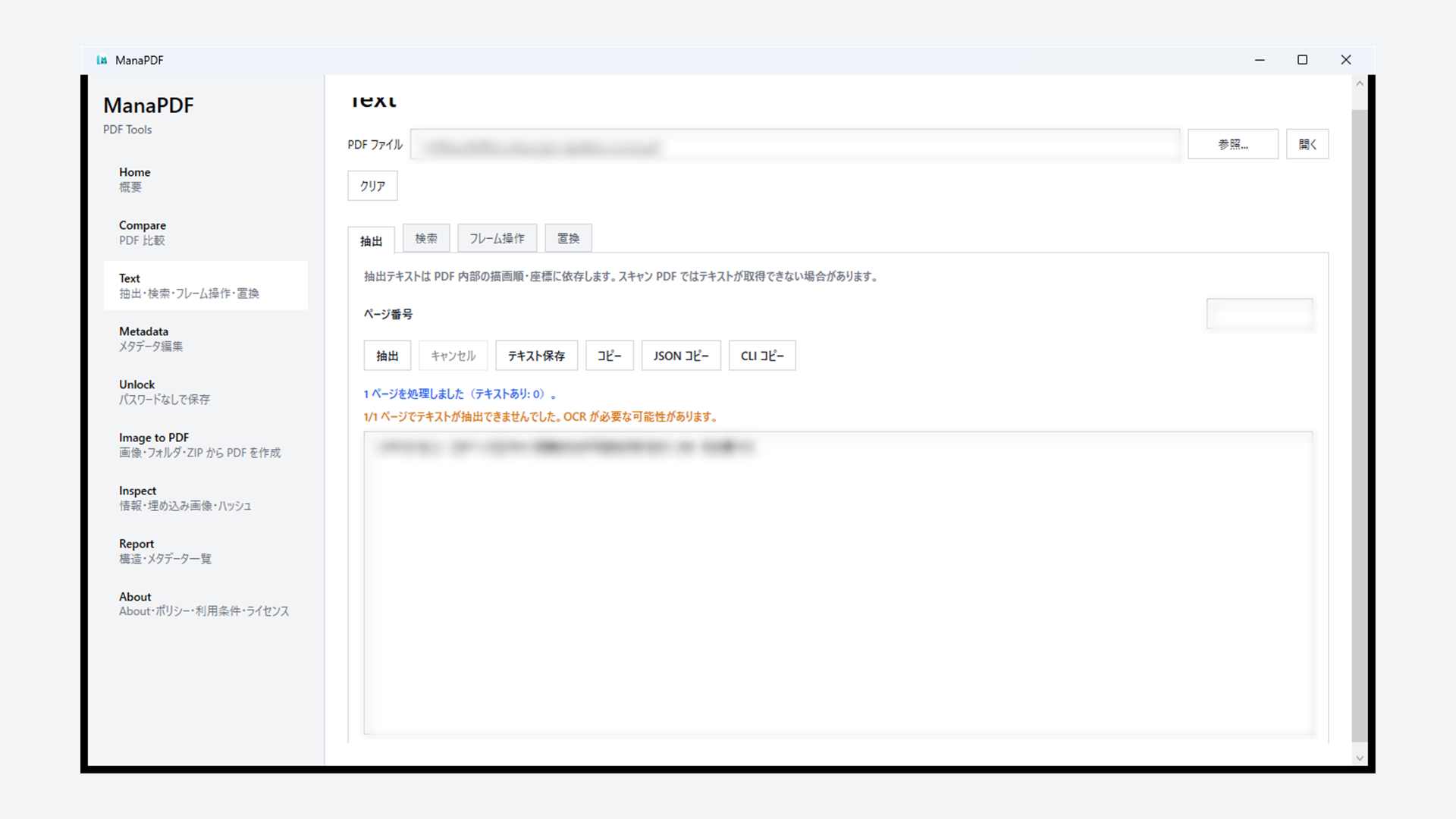
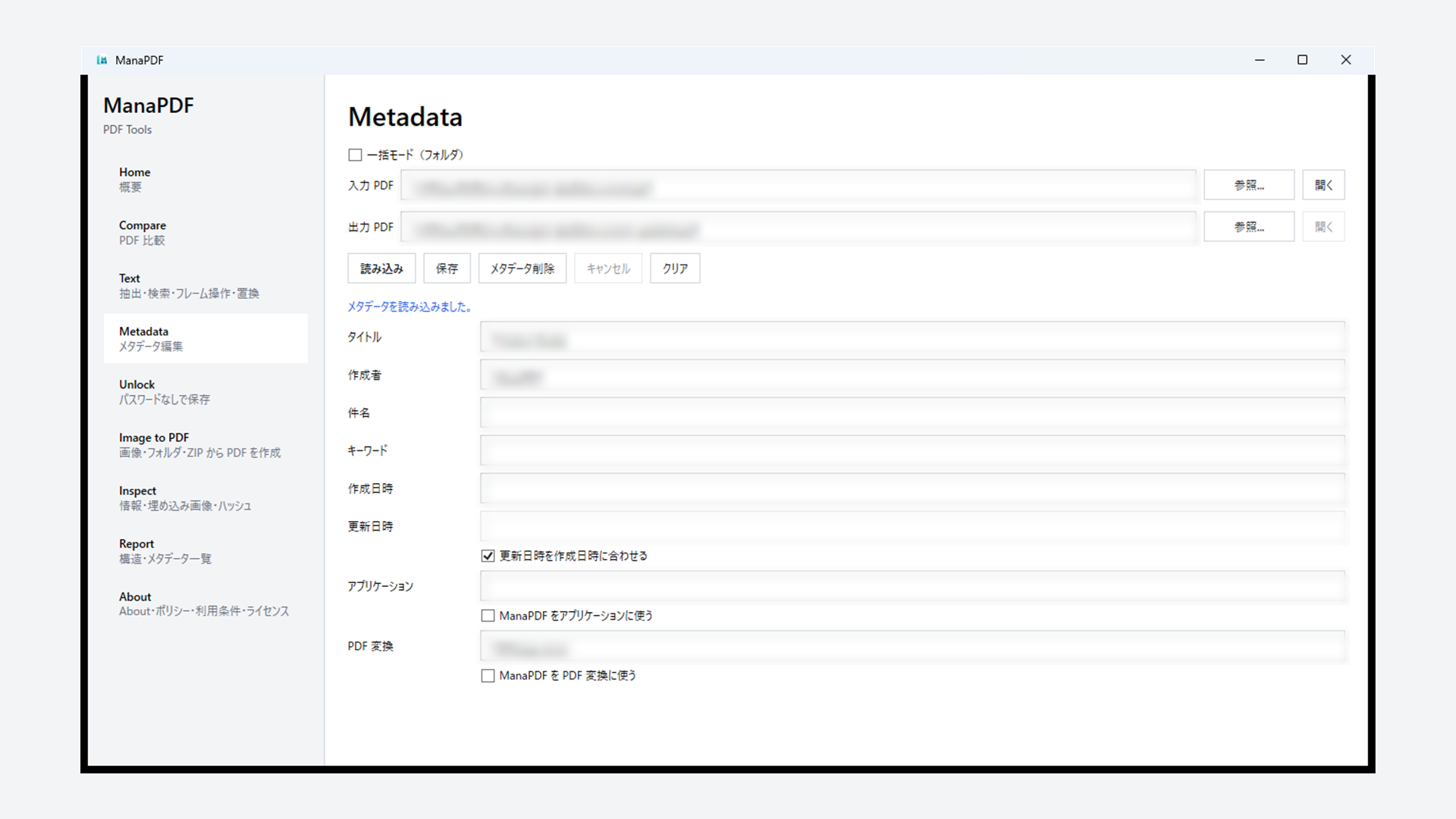
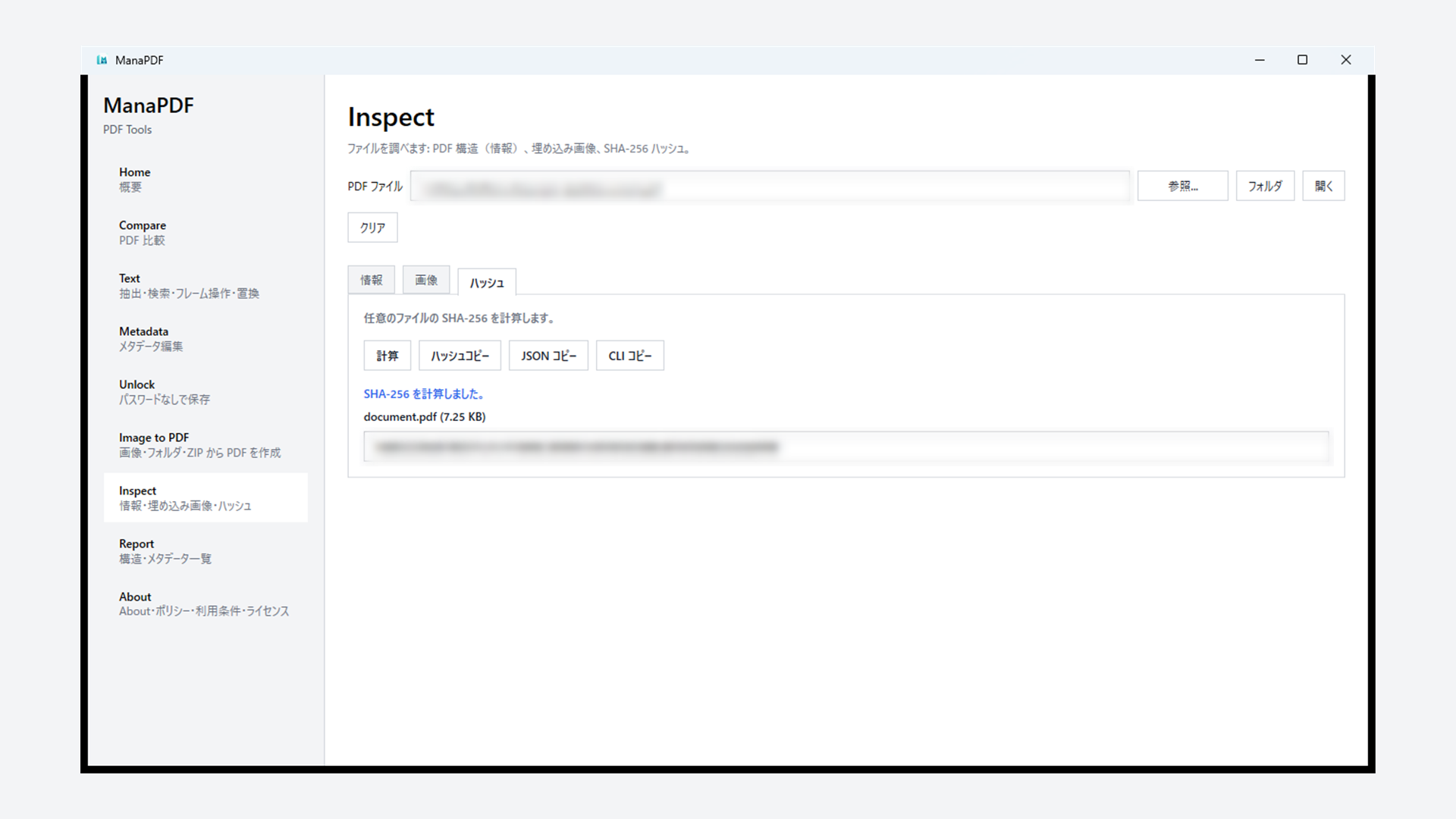
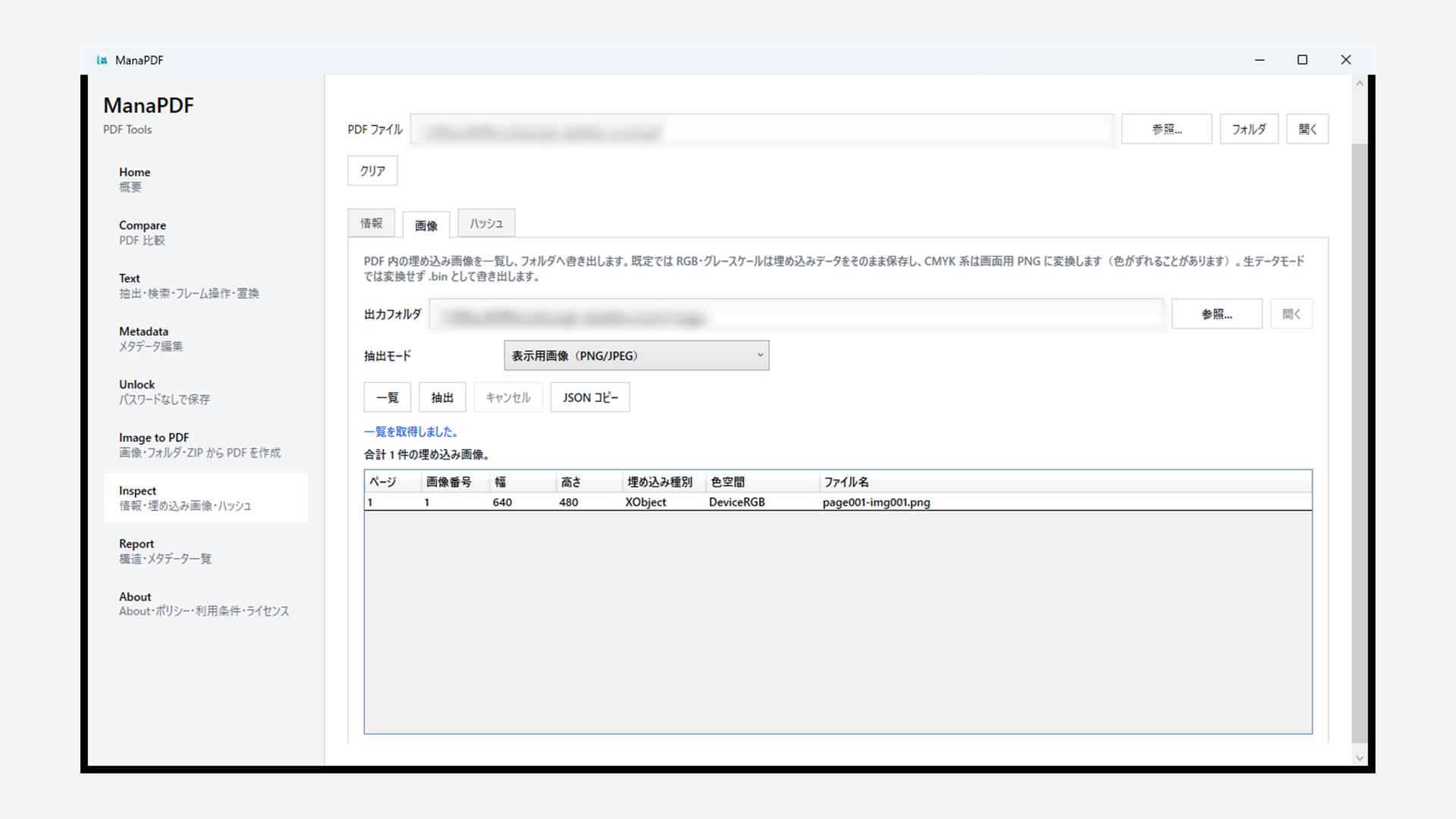
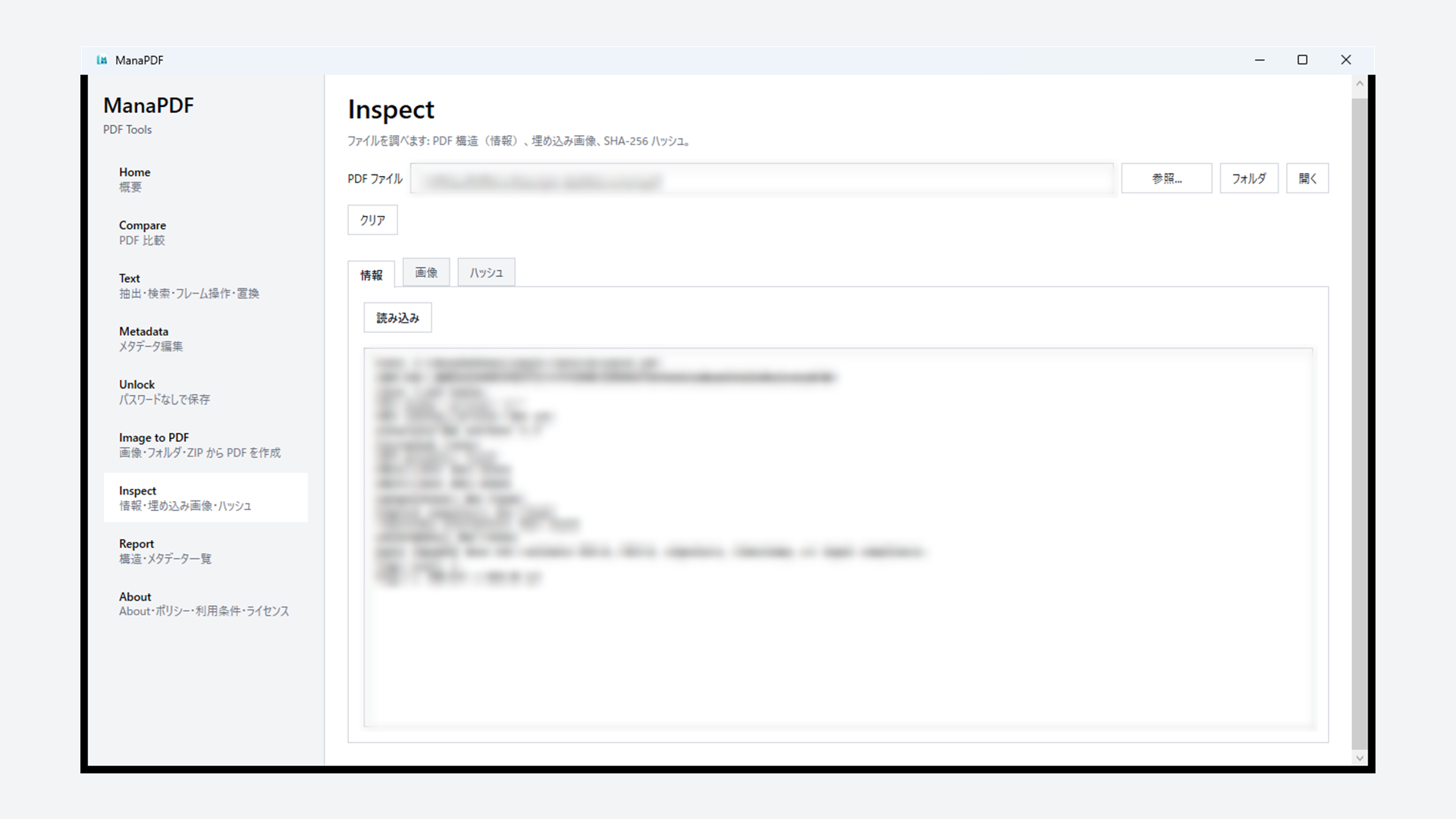
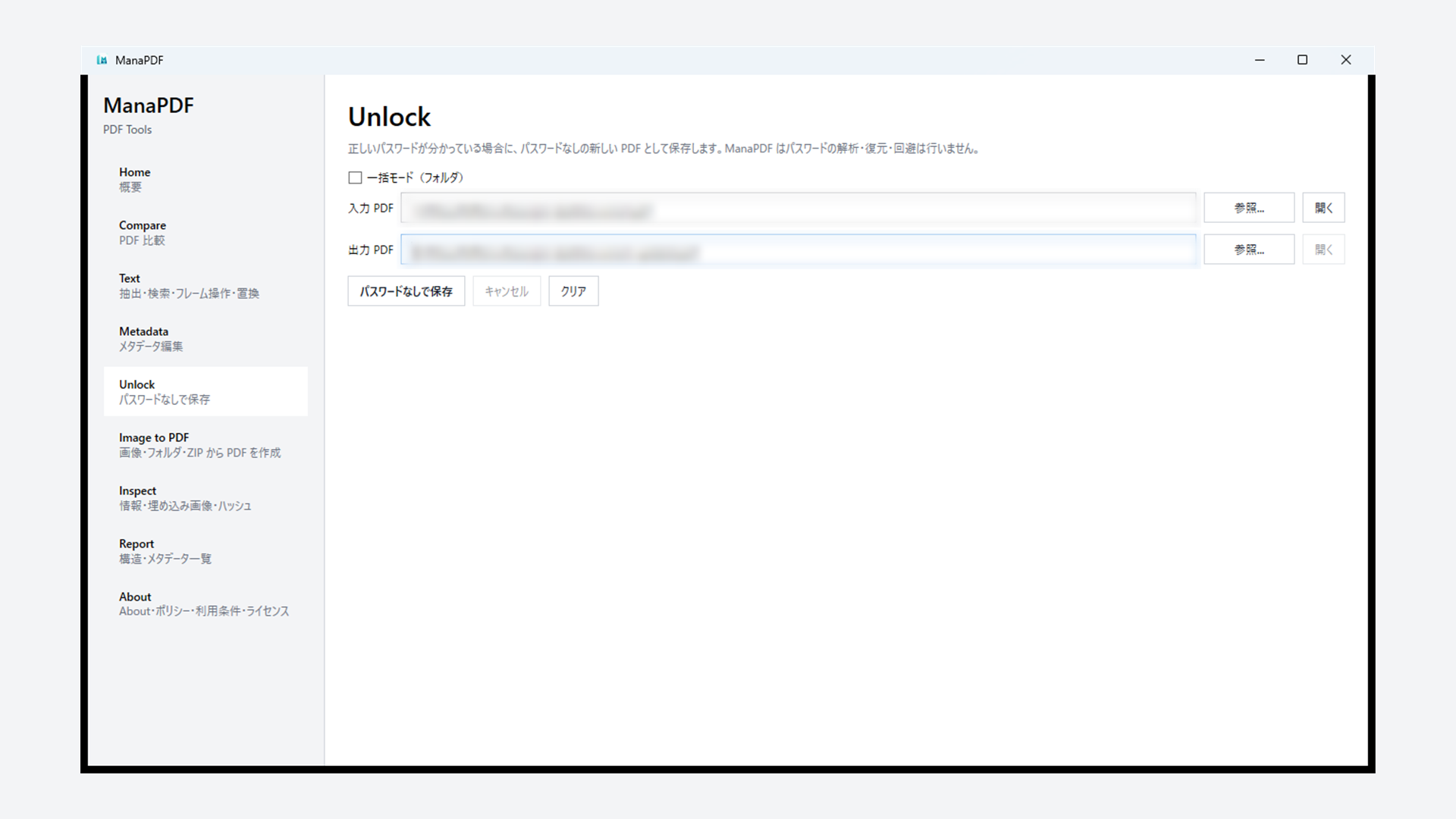
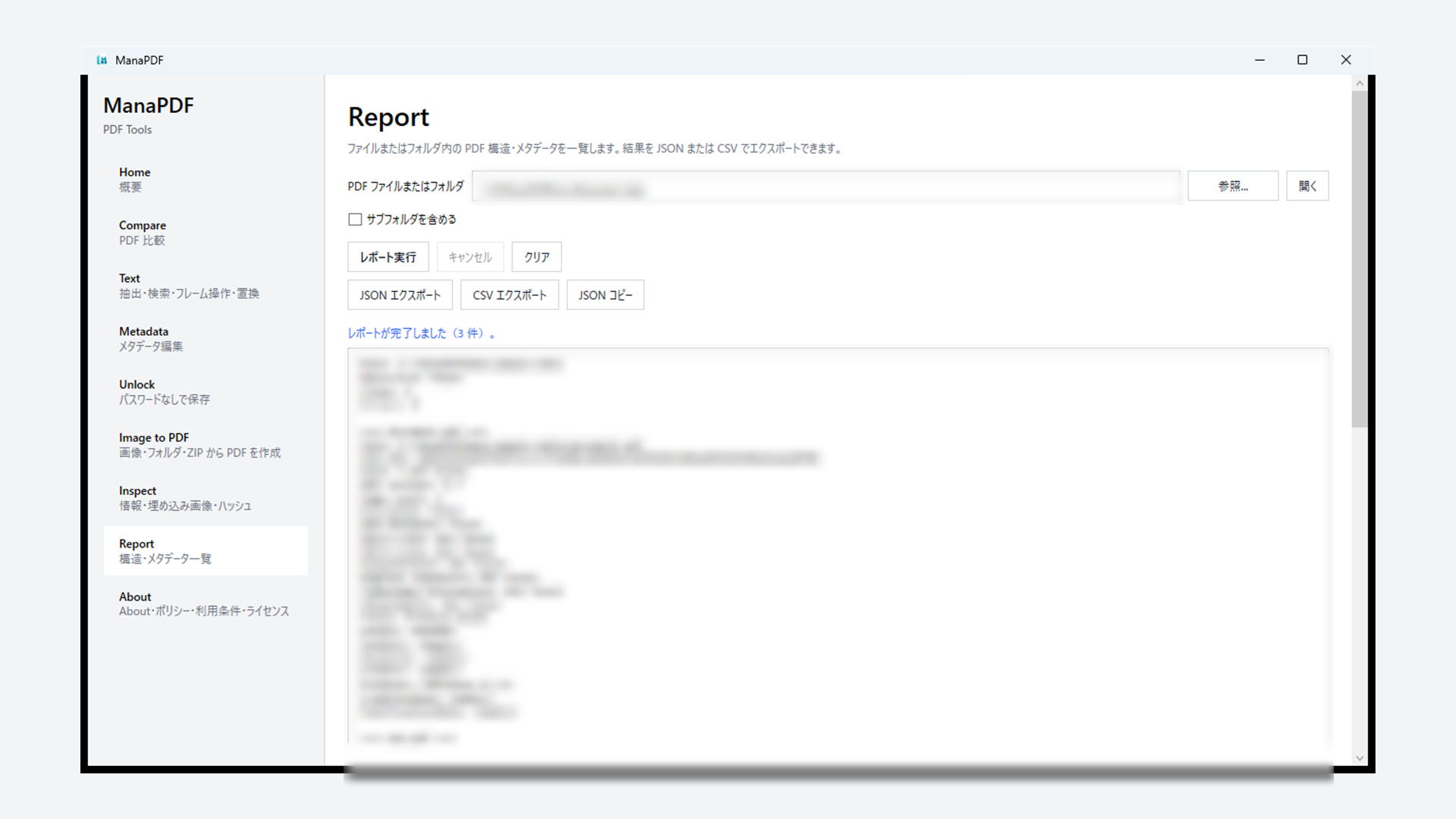
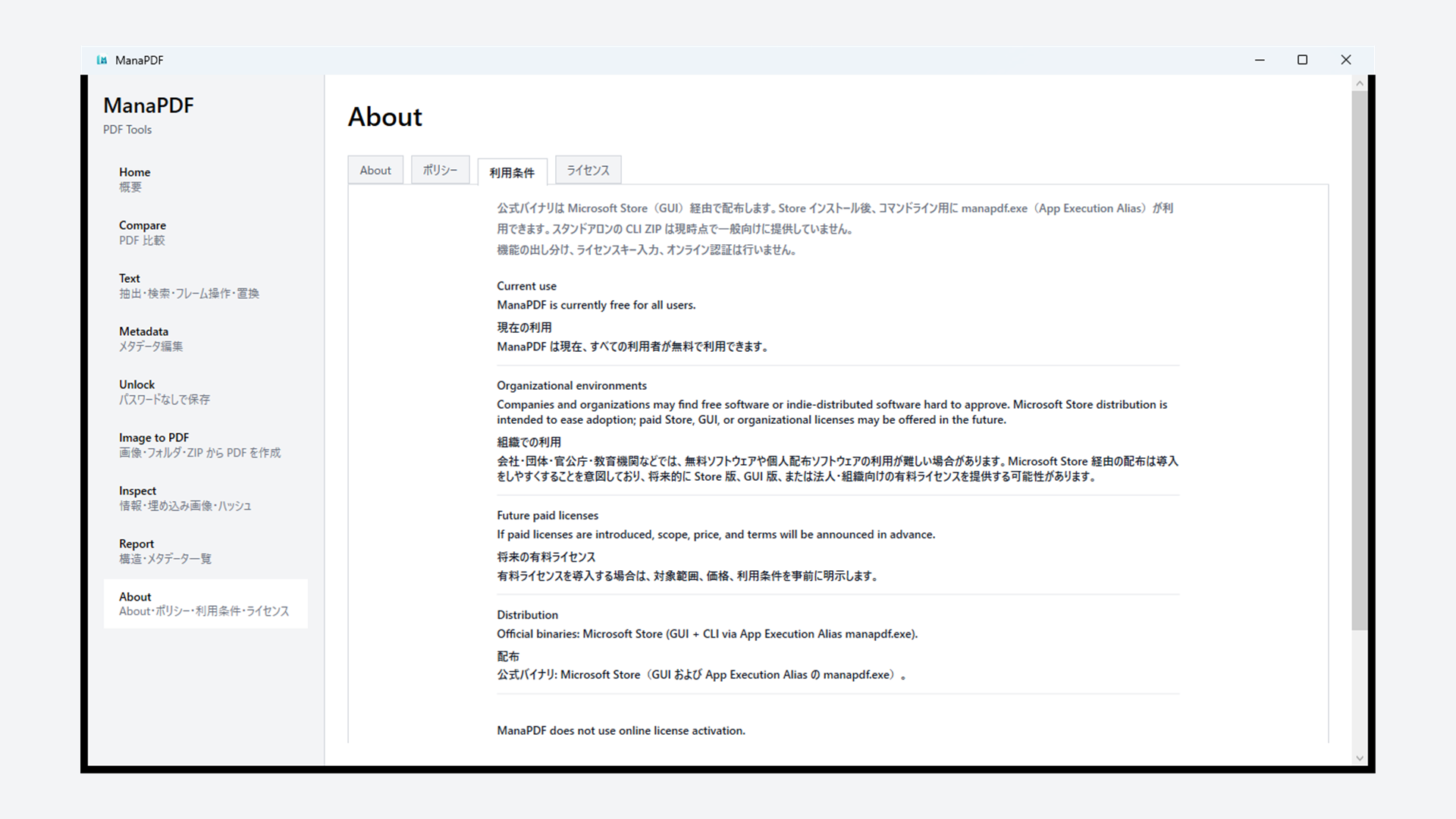
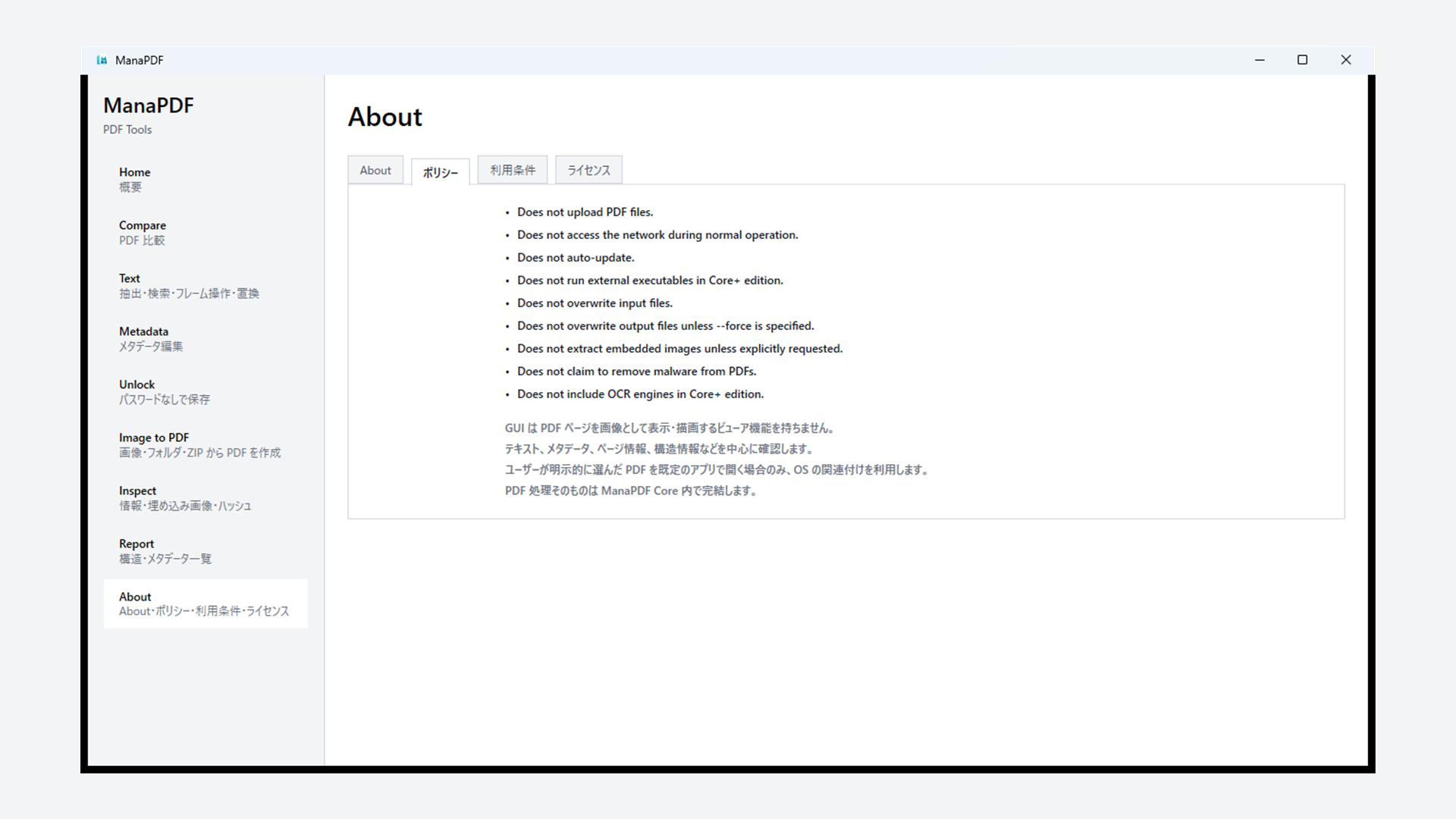
Compare, Text, Inspect, Metadata, Report, Unlock, and more — PDF tasks handled locally.
Compare structure, metadata, and optionally embedded text between two PDFs.
Extract, find, list/remove text frames, and replace embedded text (Extract / Find / Frames / Replace tabs). Copy JSON or equivalent CLI commands from results. Frame removal is not white-box masking and is not redaction.
View and edit basic metadata such as title and author. Supports password-protected PDFs. Batch tips.
Read-only inventory of structure, metadata, and encryption for a file or folder. Export JSON or CSV.
Save a new unprotected copy when you know the correct password (no cracking or recovery). Tips · batch.
Build PDFs from images, folders, or ZIP files. Reorder images and set metadata. Sort-order tips.
PDF structure and profile hints (Info tab), list and extract embedded images (Images tab), and SHA-256 hash (Hash tab). Encrypted PDFs prompt for a password.
Read policy, usage terms, and license summaries in tabs.
GUI follows your Windows display language. CLI: --lang ja or MANAPDF_LANG.
ManaPDF shares a single PDF processing core (ManaPDF Core) used by both the GUI and CLI editions. The GUI is for everyday use; the CLI is for automation and technical workflows.
ManaPDF is currently free. Official downloads are from Microsoft Store (GUI plus the manapdf CLI alias).
Microsoft Store (ManaPDF.exe) · free
For everyday desktop tasks. No separate .NET Desktop Runtime install is required.
Bundled with Store (manapdf.exe alias)
After Store install, run manapdf from a new PowerShell or cmd window.
ManaPDF is currently free for all users — personal, business, and organizational use. There is no feature gating, license key, or online activation.
Many organizations find it difficult to approve free software or individually distributed software. Microsoft Store distribution is intended to make adoption easier in such environments. Paid organizational licenses may be offered in the future. If paid licenses are introduced, scope, price, and terms will be announced in advance.