
Personal notes — not a product manual.
How do I remove PDF metadata?
You only wanted to clear document properties — and somehow you end up touring suspicious websites.
Part1. Search results look sketchy
Search for “remove PDF metadata” and what shows up? Suspicious sites and suspicious tools — a lot of them.
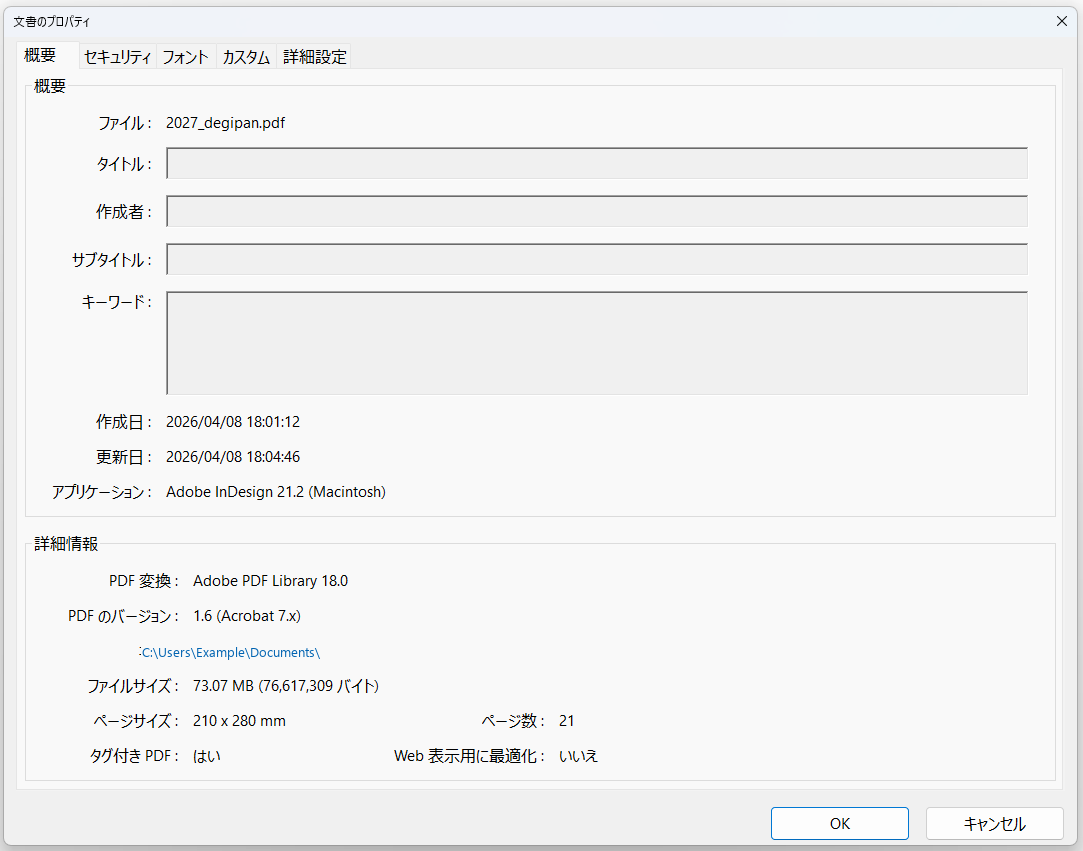
Maybe the author name or creating app is still there. You want to check and clear it if needed.
Instead, the first step is often: upload your PDF.
Wait — is it actually OK to upload this PDF?
What about data leakage?
It might be a work document.
An unpublished draft.
Material from a client.
Personal or company names might be in properties.
Metadata you cannot see in the body might still be there.
You only wanted a quick check — but the first question becomes “can I throw this at that site?”
That is quietly exhausting.

Part2. Online tools and download traps
Not every online tool is bad.
Some are genuinely useful.
Some are well run.
Browser-only convenience is real.
Still — not every PDF should be uploaded.
Common patterns (grumbling)
- Online tools
-
- Upload first, questions later
- Is this PDF really OK to send?
- “Free” but account required
- Who runs this, and where?
- Free download tools
-
- Turned out to be a trial
- Watermark on output PDFs
- Always-on tray, notifications, hard to remove
- Something still feels left behind after uninstall
- Again — who made this, and where?
Downloadable tools have their own headaches.
“Free download” — then it is a few-day trial.
Watermarks on exported PDFs.
Background processes and nagging notifications.
Uninstall does not feel complete.
You wanted to check metadata. Why are you the one on guard?

Part3. Company PCs are another story
GitHub has promising OSS and small utilities.
On a company PC, different problems appear.
Unsigned executables — increasingly an issue.
ZIPs from hard-to-explain sources.
Security product alerts.
“What is this tool?” when someone asks.
PDF tools read, parse, rewrite, and save files — so endpoint protection watches them closely.
Even innocent behavior can look odd. The security essay covers the same topic from another angle.
What I wanted was not that dramatic.

Part4. I wanted something saner
- Easy to explain at work
- No uploading PDFs to external services
- See author and creating application
- Edit metadata when needed
- Review a folder of PDFs in bulk
- Never silently overwrite inputs
I just wanted a PDF tool that does that.
So I built something a bit saner.

Part5. What ManaPDF does · Get it
ManaPDF is a Windows PDF utility for metadata view/edit, compare, text extraction, images to PDF, and more — locally on your device.
Normal PDF processing does not upload documents to external services.
No accounts, online activation, or telemetry.
※ Feature details: Help or product page. Step-by-step: Tips. Not repeated here.
The GUI ships through Microsoft Store review. The CLI supports info checks and bulk report output from the terminal.
If this resonates, take a look.
ManaPDF product page · Another story (images → PDF) · Get on Microsoft Store
Extra. FAQ (short)
Does it upload PDFs?
Normal PDF processing does not upload documents. OS / Store install and update traffic is separate.
Is it free?
Currently free. No license keys or online activation.
Malware removal or PDF sanitization?
No. ManaPDF is not antivirus or a sanitization tool.